FenixSim A320 (2024) preset cheat sheet
Everything you need to connect your home cockpit hardware to the FenixSim A320 (2024): 1 MobiFlight preset in 1 system. Copy a code from here, or get them all in MobiFlight with Extras › HubHop › Download Latest Presets.
- Sim:
- MSFS
- Last change:
- 25 Sept 2026
- Top contributors:
- Frank Sonntag (1)
- Profiles:
- 37 on flightsim.to
MobiFlight profiles for WINCTRL (formerly WinWing), Rowsfire and miniCOCKPIT
Ready-made profiles for the FenixSim A320 (2024) and the cockpit hardware they were built for, shared by the community on flightsim.to.
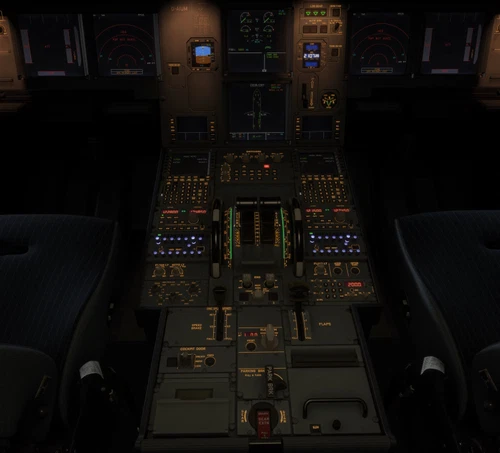
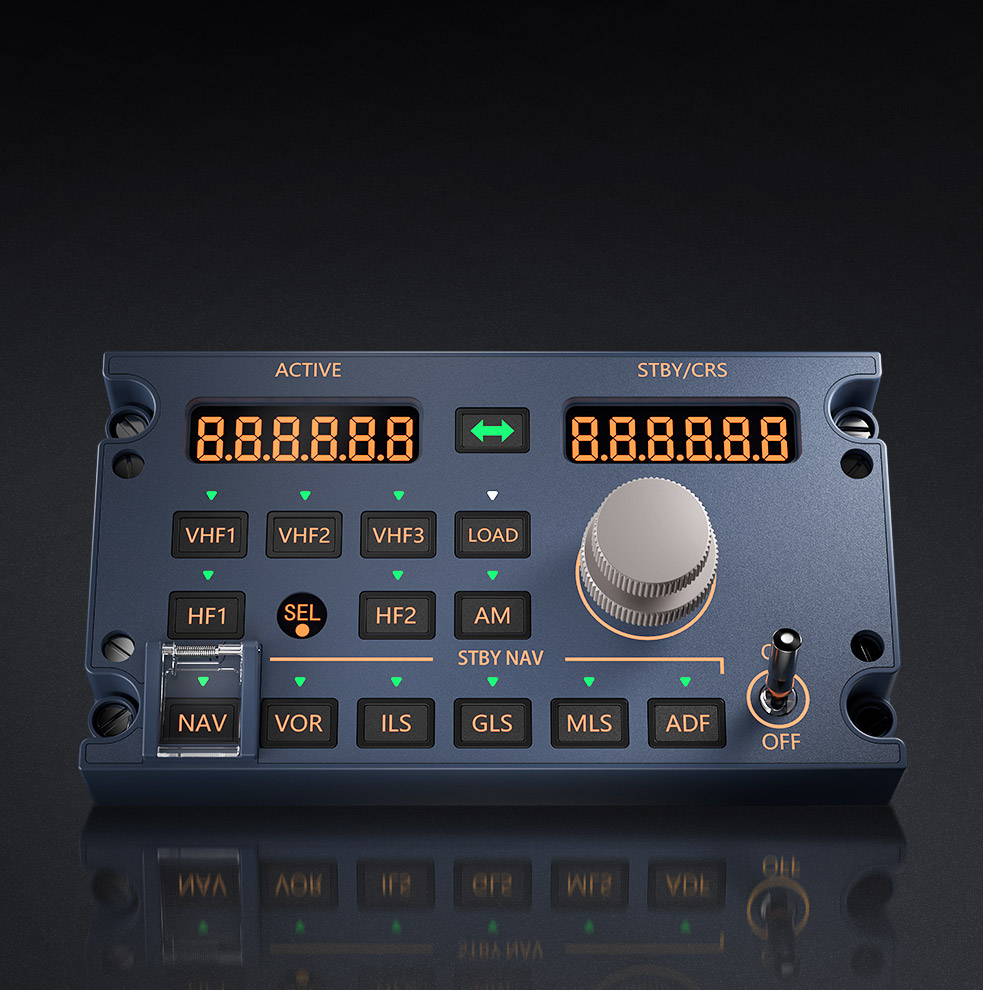
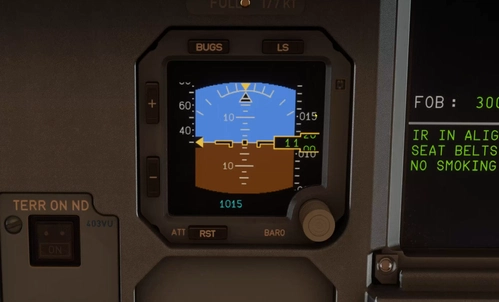
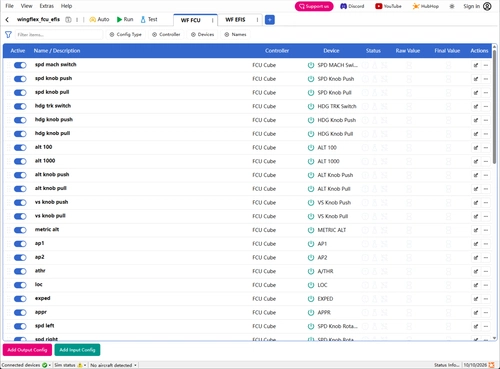
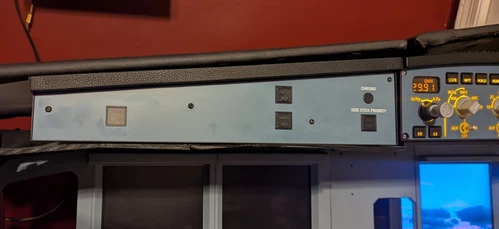
Hardware: WINCTRL (formerly WinWing) 32 ECAM, MCDU, FCU, RMP, 32 AGP Metal, 32 PAC, TCAS, URSA MINOR 32 Throttle Metal, URSA MINOR 32 Throttle, 32 AGP, 32 PAC Metal, PAP3, PFP 3N, PFP 7, EFIS L, EFIS R, EFIS · Rowsfire A107, B107 · miniCOCKPIT miniFCU, miniEFIS · Honeycomb Bravo · WingFlex FCU, EFIS · Octavi IFR-1 · Thrustmaster TCA · 737DIYSim
ISIS 1 presets
Inputs — what you press (1)
- FNX320_ISIS_DISPLAY_BRIGHTNESS_KNOB_SET
@ 1023 / 0 max 1 min (>L:N_DISPLAY_BRIGHTNESS_STANDBY)by Frank Sonntag
Outputs — what lights up (0)
None yet
More from FenixSim
New to MobiFlight?
MobiFlight connects your switches, encoders and displays to the FenixSim A320 (2024) — every preset on this page is ready to use in it.
Download MobiFlight- Install MobiFlightand connect your board or device.
- Download the latest presetsExtras › HubHop › Download Latest Presets.
- Assign and flyPick a preset for each button, encoder or light.