Horizon Simulations B787-9 preset cheat sheet
Everything you need to connect your home cockpit hardware to the Horizon Simulations B787-9: 12 MobiFlight presets in 1 system. Copy a code from here, or get them all in MobiFlight with Extras › HubHop › Download Latest Presets.
- Sim:
- MSFS
- Last change:
- 15 Mar 2025
- Top contributors:
- Fifcok (12)
- Profiles:
- 6 on flightsim.to
MobiFlight profiles for WINCTRL (formerly WinWing) and miniCOCKPIT
Ready-made profiles for the Horizon Simulations B787-9 and the cockpit hardware they were built for, shared by the community on flightsim.to.
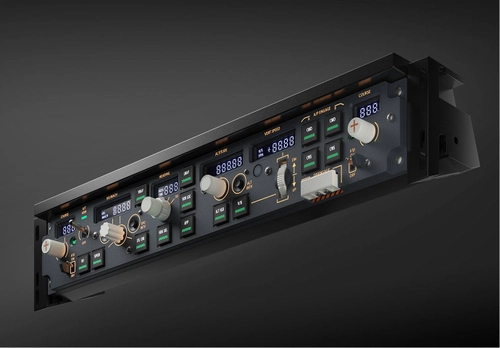
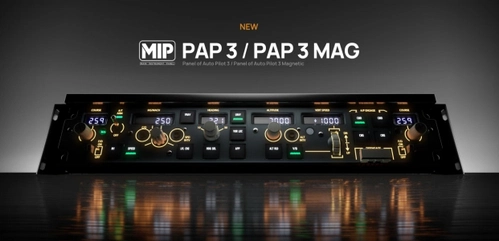
Hardware: WINCTRL (formerly WinWing) PAP3, FCU, EFIS, MCDU · miniCOCKPIT miniFCU


Lights 12 presets
Inputs — what you press (12)
- B787-9_ALL_LANDING_LIGHTS_OFF
0 (>K:2:LANDING_LIGHTS_SET)by Fifcok - B787-9_ALL_LANDING_LIGHTS_ON
1 (>K:2:LANDING_LIGHTS_SET)by Fifcok - B787-9_BEACON_LIGHT_OFF
0 (>K:2:BEACON_LIGHTS_SET)by Fifcok - B787-9_BEACON_LIGHT_ON
1 (>K:2:BEACON_LIGHTS_SET)by Fifcok - B787-9_LOGO_LIGHT_OFF
0 (>K:2:LOGO_LIGHTS_SET)by Fifcok - B787-9_LOGO_LIGHT_ON
1 (>K:2:LOGO_LIGHTS_SET)by Fifcok - B787-9_NAV_LIGHTS_OFF
0 (>K:2:NAV_LIGHTS_SET)by Fifcok - B787-9_NAV_LIGHTS_ON
1 (>K:2:NAV_LIGHTS_SET)by Fifcok - B787-9_STROBE_LIGHT_OFF
0 (>K:STROBES_SET)by Fifcok - B787-9_STROBE_LIGHT_ON
1 (>K:STROBES_SET)by Fifcok - B787-9_TAXI_TURNOFF_LIGHTS_OFF
0 (>K:2:TAXI_LIGHTS_SET)by Fifcok - B787-9_TAXI_TURNOFF_LIGHTS_ON
1 (>K:2:TAXI_LIGHTS_SET)by Fifcok
Outputs — what lights up (0)
None yet
New to MobiFlight?
MobiFlight connects your switches, encoders and displays to the Horizon Simulations B787-9 — every preset on this page is ready to use in it.
Download MobiFlight- Install MobiFlightand connect your board or device.
- Download the latest presetsExtras › HubHop › Download Latest Presets.
- Assign and flyPick a preset for each button, encoder or light.